> For the complete documentation index, see [llms.txt](https://docs.mozark.ai/llms.txt). Markdown versions of documentation pages are available by appending `.md` to page URLs; this page is available as [Markdown](https://docs.mozark.ai/agent-workspace-documentation/getting-started/overview.md).
# Overview
Understand what each TCM Agent does and when to use it.
## Agents overview
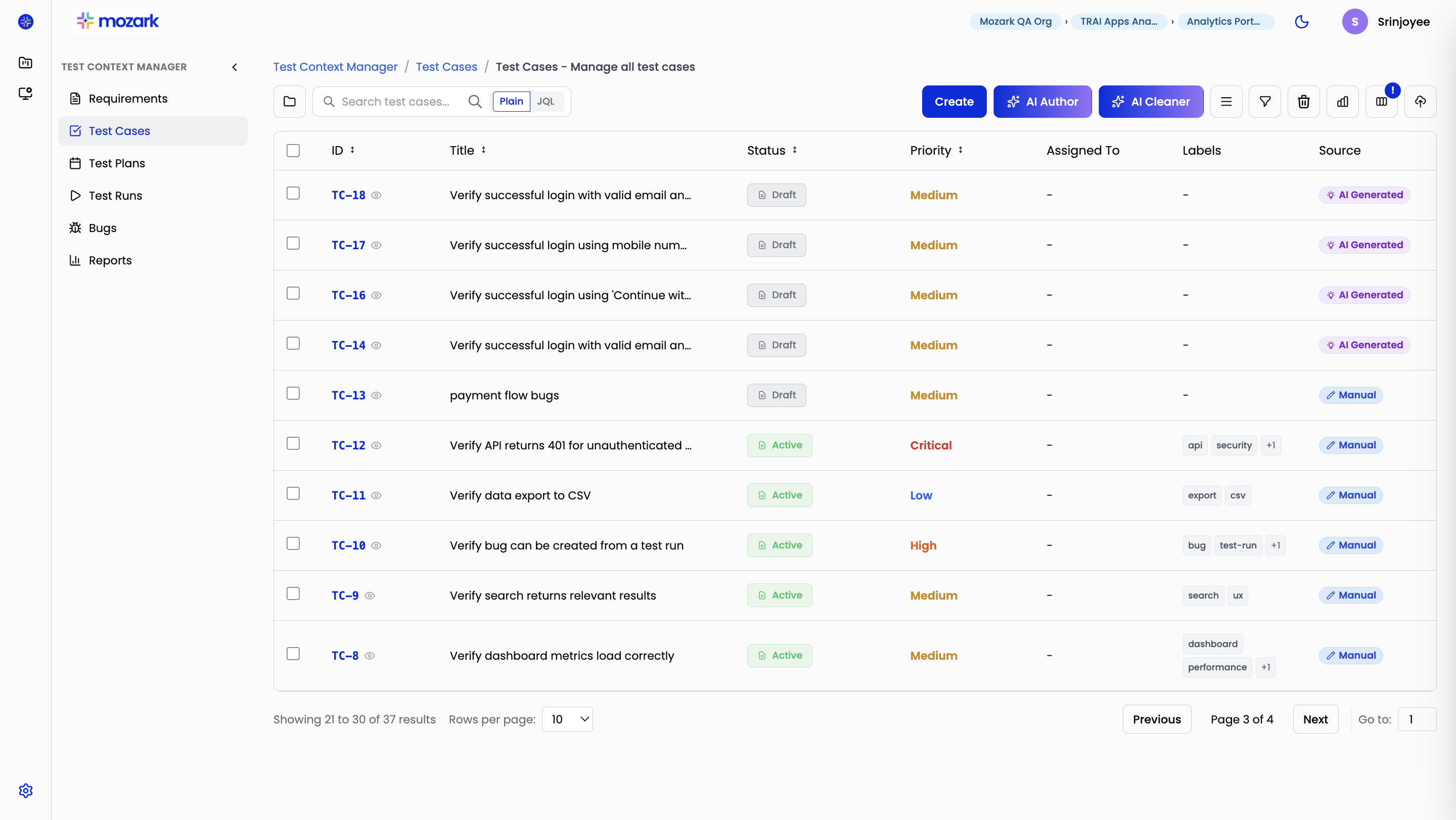
TCM Agents are built-in AI helpers inside Test Context Manager.
They make everyday test management work faster. Instead of searching through thousands of test cases manually, you describe what you need in plain English. The right agent then handles planning, cleanup, or test case generation for you.
Each agent has one job and stays focused on it.
### What each agent does
#### Planner Agent
Use the Planner Agent when you need a ready-to-use list of relevant test cases.
It takes a feature name, flow, or user journey and returns the test cases that matter most for that scope.
Read [Planner Agent](/agent-workspace-documentation/planner-agent/overview.md).
#### Cleaner Agent
Use the Cleaner Agent to keep your repository clean and usable.
It finds duplicate and near-duplicate test cases. It then recommends what to keep, merge, or delete.
Read [Cleaner Agent](/agent-workspace-documentation/cleaner-agent/overview.md).
#### Author Agent
Use the Author Agent when you need to create new test cases.
It helps turn requirements, flows, or feature details into structured test cases you can review and add to the repository.
Read [Author Agent](/agent-workspace-documentation/author-agent/overview.md).
### Why it matters
Test repositories grow quickly.
New test cases are added every sprint. Similar cases are often created by different teams. Older cases can stay in the repository long after their original requirement changes or disappears.
TCM Agents simplify the workflows teams already run in Test Context Manager. They reduce hours of manual searching and cross-referencing to a short conversation.
They also keep each organization's test data isolated, so one team's repository never mixes with another's.
### Who this workspace is for
This guide is for teams who use TCM Agents in day-to-day QA and release workflows, including:
* QA leads building release test plans
* Test engineers maintaining lean, high-signal suites
* QA managers improving coverage quality across projects
* Teams expanding and maintaining test coverage inside TCM
### What to expect from this guide
Use this guide to understand when to use each agent, what input to provide, and how to act on the results.
The rest of the workspace walks through each agent in more detail.
Next, read [Getting started](/agent-workspace-documentation/agent-workspace.md) to learn how to access the agents and start using them.
For common workflows and support guidance, also read [Common workflows](/agent-workspace-documentation/common-workflows.md), [Best practices](/agent-workspace-documentation/best-practices.md), and [FAQ and troubleshooting](/agent-workspace-documentation/faq-and-troubleshooting.md).
---
# Agent Instructions
This documentation is published with GitBook. GitBook is the documentation platform designed so that both humans and AI agents can read, navigate, and reason over technical content effectively. Learn more at gitbook.com.
## Querying This Documentation
If you need additional information that is not directly available in this page, you can query the documentation dynamically by asking a question.
Perform an HTTP GET request on the current page URL with the `ask` query parameter, and the optional `goal` query parameter:
```
GET https://docs.mozark.ai/agent-workspace-documentation/getting-started/overview.md?ask=&goal=
```
`ask` is the immediate question: it should be specific, self-contained, and written in natural language.
`goal` is optional and describes the broader end goal you are ultimately trying to accomplish on behalf of the user. GitBook uses it to tailor the answer towards what is most useful for that goal.
The response will contain a direct answer to the question and relevant excerpts and sources from the documentation.
Use this mechanism when the answer is not explicitly present in the current page, you need clarification or additional context, or you want to retrieve related documentation sections.